
Features
Everything your stars were missing.
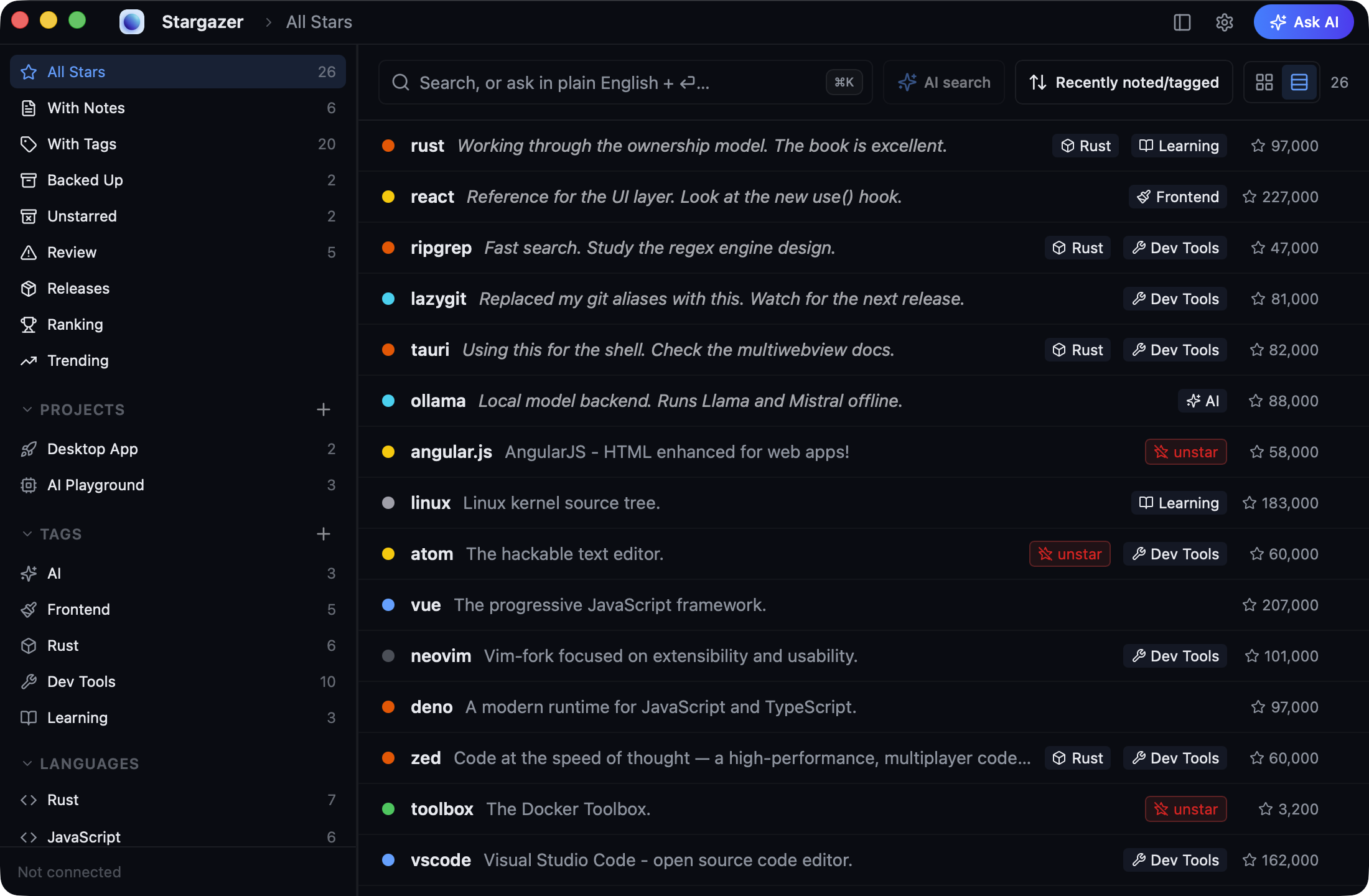
Summaries, tags, plain-English search, a code reader, and a real GitHub browser. Everything except the GitHub calls happens on your machine.
One pass over every star you have.
AI reads each repo and writes a one-line summary, a few specific tags, and the platforms it runs on. Afterwards you can narrow 800 stars down to the four that do the thing you need.
Projects, tags, and a note per repo.
Group repos into projects, tag them, write down why you saved them, or bulk-edit dozens at once. Six months later, you’ll still know why you saved them. No AI required.
Find the dead ones.
Archived, deprecated, superseded, untouched for four years. Each gets a keep or unstar call with the reason next to it.
Search by name, or by what it does.
Names, notes, and tags filter as you type. Or describe the thing you half-remember and AI ranks the library against it.
Read the code without cloning.
Open the file tree, read any file with syntax highlighting, and check the health signals before you spend a git clone on it.
Ask one repo or your whole library.
Answers come from the README, the file tree, and your own notes. Point it at Ollama or LM Studio and no prompt leaves your Mac.
New versions land in one timeline.
Subscribe to the repos you care about. Every release shows up in a single feed, and Mac builds download straight from it.
Browse GitHub without losing your place.
Native tabs, history grouped by day, and a star button on every page, so a detour through GitHub ends where it started.
“My stars went from a graveyard to something I actually open. Reading the code without cloning is the part I didn’t know I needed.”
An early user · on the public beta